

A Late-Summer Digital Photo Tidy You Can Finish in Stages
Your summer photographs probably contain a few brilliant moments surrounded by repeated beach views, accidental screenshots and several versions of the same lunch. Sorting them does not require an empty weekend. Before autumn fills the diary, give one small collection a series of short sessions, each with a clear finish.
Start with One Holiday or One Month
Choose a boundary you can recognise immediately: your August holiday, a long weekend away or one month’s camera roll. Avoid starting with every picture you have ever taken. A finished collection of sixty useful photographs is more satisfying than a half-sorted library that stretches back across several phones.
Set aside around fifteen minutes for the first pass. Use a screen large enough to judge similar images comfortably, and make sure you know which library or folder you are viewing. If you have both a phone gallery and a computer photo application, identify where the originals are kept before moving anything.
Break the work into separate appointments:
- Find the collection and confirm that important originals have another copy.
- Remove obvious unwanted shots and compare repeated frames.
- Choose favourites and give the collection a simple home.
- Check the backup, then select a few pictures to enjoy elsewhere.
At the end of a session, note where you stopped using a private reminder or a temporary album. You should be able to restart without examining everything again. If the collection is bigger than expected, narrow it to one day rather than extending the session until you are tired.
Delete Blurred Shots and Obvious Duplicates
Begin with easy decisions: a photograph of the inside of your bag, an unreadable accidental screenshot or a burst of identical frames. Leave emotionally complicated choices alone for now. An imperfect picture of someone you love may matter much more than a technically excellent landscape.
Before deleting, understand what deletion does in your setup. In a synchronised photo library, removing an image on one device may remove it elsewhere too. A recently deleted folder can offer a recovery window, but it is not your backup. Confirm a separate copy of irreplaceable pictures before making substantial cuts.
Compare similar images side by side
Look at faces, focus and the edges of the frame. Keep the version with the expression or detail you prefer, rather than automatically choosing the brightest one. Two images are not duplicates if one records something the other misses, such as a friend’s reaction just after a posed photograph.
Treat automated duplicate suggestions as candidates to review. Cropped copies, edited versions and smaller shared files can look almost identical while serving different purposes. If you are unsure which file is the original, leave both until you can compare their details. There is no prize for deleting the most.

Choose Favourites Before Making Albums
Now make a positive pass through the remaining photographs. Mark the pictures you would actually show a friend or enjoy seeing again. This is a different task from removing mistakes: you are finding the shape of the experience rather than deciding whether every image deserves to exist.
Choose a mixture of wide views, people and small details. A seaside weekend might include the bay, your friend wrapped in a towel and the pastries you carried back for breakfast. Those quieter images often explain the trip more fully than ten versions of its most famous viewpoint.
For a manageable first selection, aim for a dozen favourites, then adjust if the story needs more or fewer. You can keep other worthwhile photographs in the main collection without promoting all of them to favourites. Separate the idea of preserving a memory from the idea of making a short album.
Check group shots thoughtfully. You may love your own expression in one frame while someone beside you is blinking. Keep a more comfortable group version for sharing, and retain your personal favourite privately if you wish. A little consideration here saves an awkward message later.
Use a Simple Folder Structure
Choose a structure you can repeat without having to invent new categories every time. For files on a computer, one main Photos folder with dated event folders underneath can be enough. Use a consistent month-and-event pattern, including the full capture date where it helps distinguish repeat visits. Keep names short and recognisable.
For a photo application, a few named albums may be all you need. An album often groups images without moving or duplicating the original files, whereas an exported folder creates another set of files. Understand which action your application performs so that your storage does not grow unexpectedly.
Avoid rebuilding the library’s internal folders outside the application. Use its own organisation and export tools where appropriate. If you export favourites for printing or sharing, put them in a clearly separate output folder so they do not become confused with the originals.
You do not have to rename every photograph. Preserve existing filenames unless there is a practical reason to change them, and retain the original capture information when exporting. A clear folder name and a small favourites album usually make a collection easier to find than a complicated filing system you cannot remember.
Keep a Second Copy of Important Photos
Organisation and backup solve different problems. An immaculate album is still vulnerable if its only copy lives on a lost phone. Keep your important originals somewhere separate from the everyday library, such as an external drive or a backup service with recovery options you understand.
Check whether a service is synchronising changes or keeping recoverable backups. Synchronisation is convenient for viewing the same library across devices, but it can also carry accidental deletions between them. Look for retained versions or recovery arrangements rather than assuming that a second screen means a protected second copy.
When copying to a drive, confirm that you are transferring full files rather than previews or references to pictures stored elsewhere. Open several images from the backup, including one older picture and one recent favourite. Check any videos separately, and keep the original library intact while you verify the result.
Store the drive safely and disconnect it when the copy is complete. For irreplaceable family photographs, consider another independent copy in a different location. Then choose a repeatable rhythm, perhaps after each trip and during a monthly tidy. A reminder that leads to a checked copy is more useful than an ambitious schedule you never follow.
Pick a Small Set to Print or Share
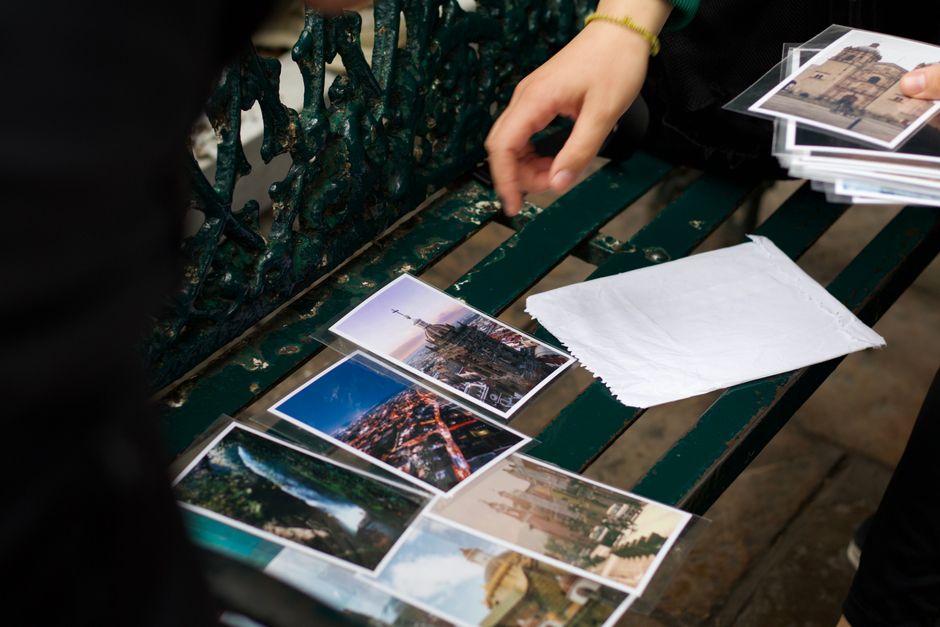
Finish with something you can enjoy. Select six prints for a small album, one photograph for a frame or a short private collection for the friends who travelled with you. Using the pictures gives the tidy a purpose beyond reducing a number on your storage screen.
For prints, choose the best available original file and inspect the crop before ordering. The paper shape may trim parts of the image, especially near the edges. Check that faces and details remain inside the intended frame, and avoid enlarging a tiny version saved from a message when you still have the original.
Before sharing, check the audience and ask anyone pictured if you are unsure they would welcome it. Review location information and anything private visible in the background. Send a considered selection instead of the entire camera roll. Then close the folder: one holiday is sorted, protected and ready to be remembered, and the next collection can wait for its own small session.